N-Gone Pro (Blender Plugin)
1 Click Asset Optimizer
$12.99$9.99
N-Gone Pro is your ultimate workflow tool for optimizing N-Gon & Quad based 3D objects. Specifically designed to take the pain out of optimizing CAD and Boolean meshes, N-Gone Pro supports a comprehensive range of quality-of-life features aimed at making all your pre-export optimization effortless.
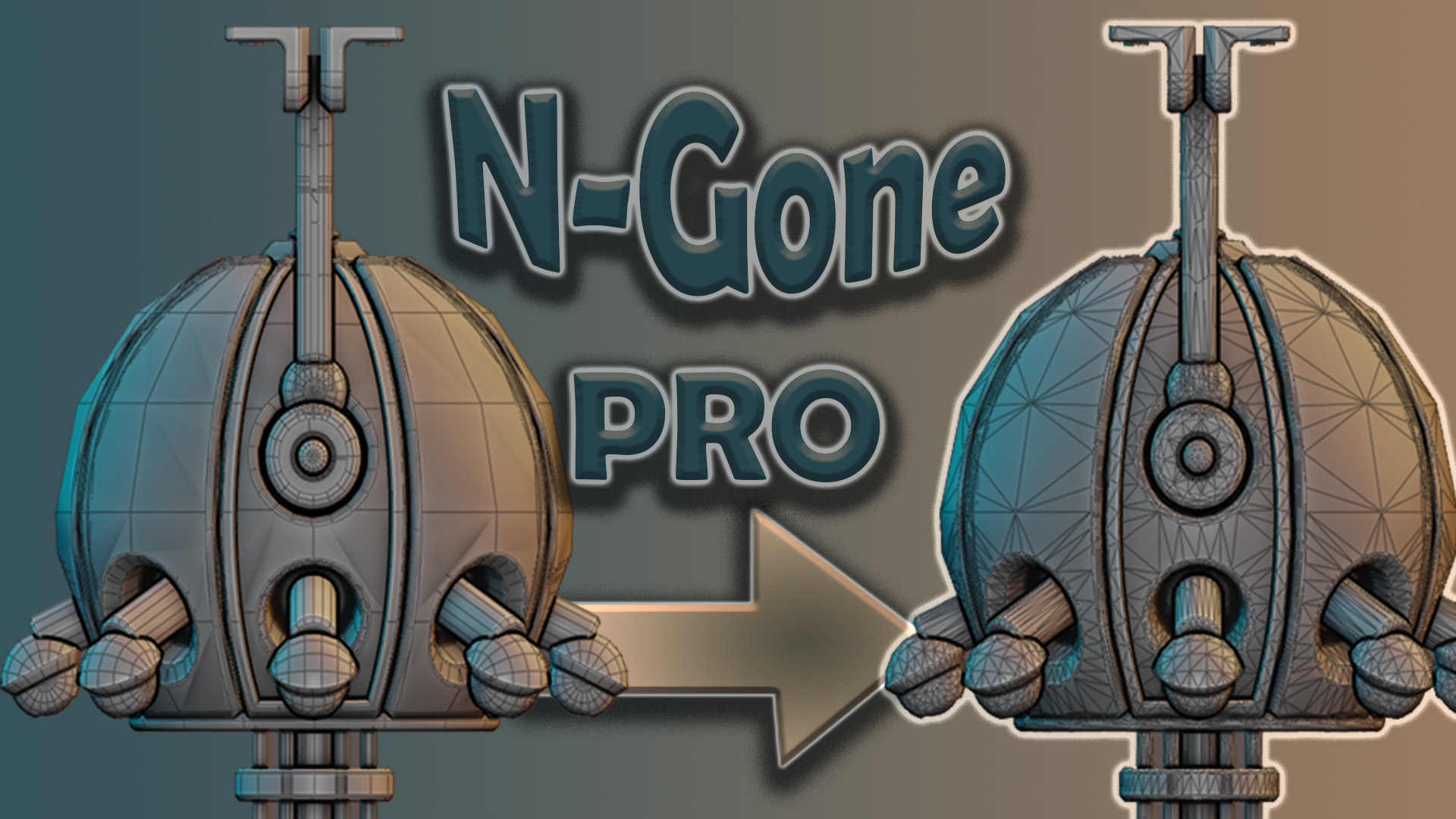
UPDATED 07 JULY 2026 Ver 1.5.1
Works Blender 4.2 +
Tested and working with Blender 5.2 in latest Build
Release Notes At bottom
With N-Gone Pro, what used to take hours of tedious work can now be achieved with just a few clicks, letting you focus on creativity instead of getting lost in the technical details.
Key Features:
Batch Creation of High and Low Poly Models: Optimize multiple objects at once, perfect for baking or game-ready assets.
Smart Naming Management: Standardize names for texture baking in other software (Substance Painter, Marmoset Toolbag, InstaMAT Studio) in a single click, reducing manual errors.
Low Poly Detail Refinement: Easily reduce polygon count on multiple objects simultaneously while maintaining model detail, ideal for creating efficient low-poly versions for real-time applications and texturing software. Refine detail on multiple objects at once with live feedback in the viewport.
Dynamically control Detail level with the Hot Key "D" or change it in preferences tab.Smart UV Unwrap or Cube Projection: With just one click, unwrap, combine, and pack UVs for multiple selected objects, saving you from repetitive UV editing and streamlining your workflow.
Focused Workspace: A specialized workspace for focusing on the finer details in N-Gone Pro, allowing precise control over intricate model adjustments.
Vertex Colors: Apply vertex colours across multiple objects or individual faces easily for greater creative control.
N-Gone Pro gives you all the tools you need, and it’s regularly updated to support the
latest Blender Builds.
Why N-Gone Pro?
With N-Gone Pro, you can eliminate the manual, error-prone optimization steps that slow down your workflow. From CAD-based models to sculpts and Boolean-heavy projects, N-Gone Pro aims to be the all-in-one solution that allows you to create, optimize, and export with confidence.
Get Started Today
Transform your Blender workflow with N-Gone Pro—available now. Take the hassle out of optimization and focus on what you do best: creating. Get started today and experience the power of N-Gone Pro for yourself.
Change Log:
Change Log: July 2026 N-Gone Pro 1.5.1
New: Pair-Aware Renaming:
Renaming with High and Low poly objects selected now names the corresponding pairs together with matching numbers (i.e. Rock.001_low and Rock.001_high) in a single click. No need to run Match Names afterwards.
Renaming one half of a pair automatically renames its partner, so names always stay matched for baking.
Fixed a bug where renaming a high poly object would mangle the suffix (i.e. "Chairhigh" instead of "Chair_high").
Renaming now handles Blender duplicate numbers correctly, so names like Part_low.001 become Part.001_low with the suffix at the end where bakers expect it.
Improvements to Match Names:
Match Names no longer relies on the objects in the High and Low collections being in the same order. Pairs are now matched intelligently, with order used only as a fallback.
Now serves as a repair tool for objects named outside the addon and has moved directly below the Rename button.
Improvements to Rotate:
Rotate now also rotates the hidden data reference objects, so transferred normals no longer break when rotating after creating a Low or High poly.
Improvements to Workspace View:
Fixed viewports sometimes not restoring their background colour and overlays when leaving Workspace View, especially after splitting or closing viewports or switching workspace tabs.
Viewports left stuck with the dark Workspace View styling (i.e. after restarting Blender while the mode was on) now fix themselves the next time you toggle the mode.
The Toggle Workspace View button now shows when the mode is active.
Improvements to the Panel:
The N-Gone Pro tab no longer disappears when a non-mesh object is active and now activates when meshes are box-selected without an active object.
New status line at the top showing the Active Object and number of selected objects.
Vertex count now has its own row and shows the count before and after modifiers (i.e. Verts: 124,532 → 43,586) so you can see decimation results live.
Blender 5.x Compatibility:
Fixed "Paint Selected Faces Only" for Vertex Colours erroring in Blender 5.1 and 5.2. Still fully compatible with 4.2 onwards.
Removed:
Poly Fillets has been removed while it had limited utility in special cases I found it failed more than it worked and required heavy tweaking to get a satisfactory result, as a result I have removed it, if you have old projects with Poly fillets you can still edit these using the modifier stack created,
Other General Bug Fixes and Code clean up